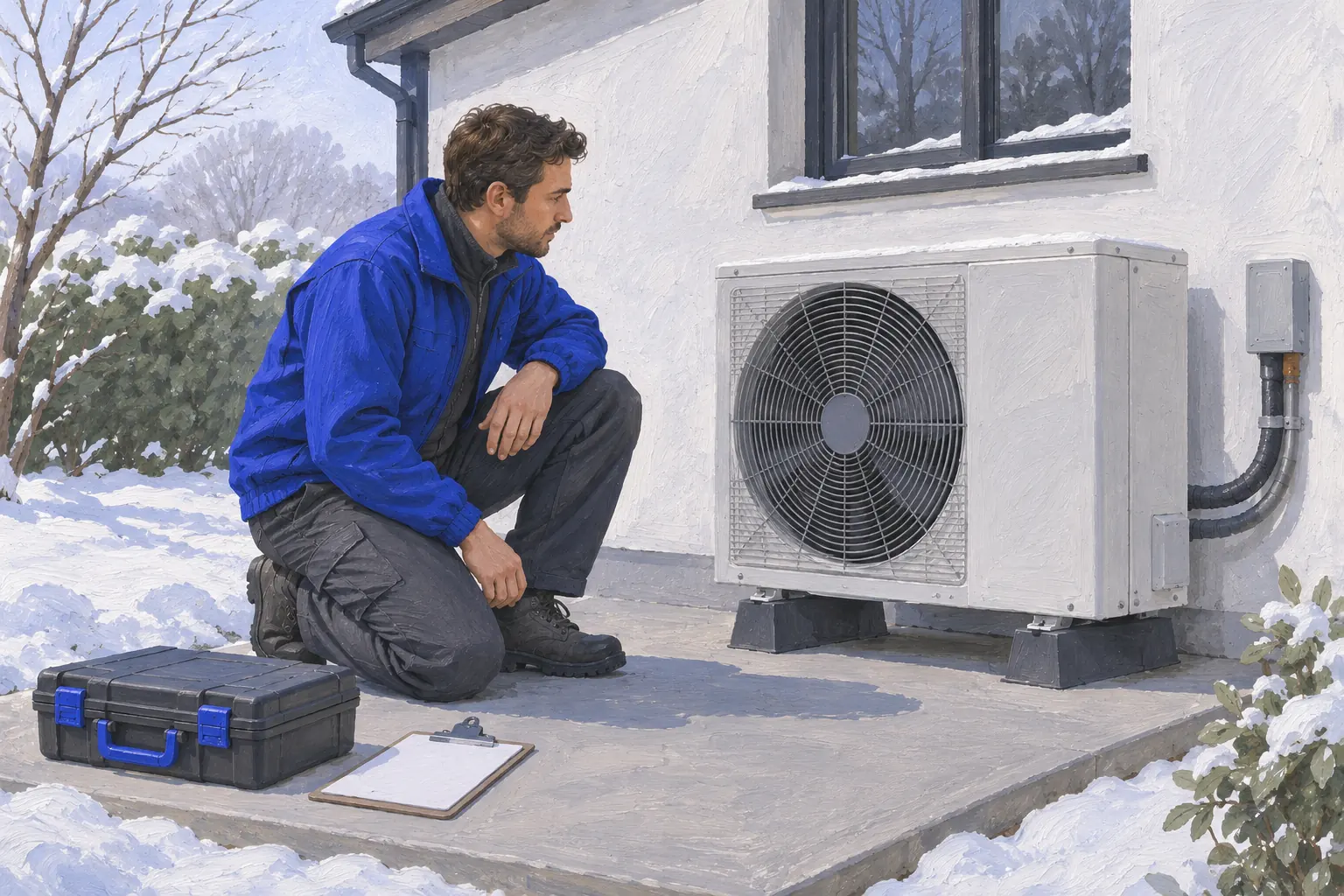
An HVAC call record should tell your dispatcher how urgent the visit is and give the technician a head start, without diagnosing the system over the phone. Start with safety, then what the system is doing. This checklist supports an HVAC call answering workflow; it does not quote a repair or confirm a visit.
Use this checklist to test the workflows in our comparison of automated and staffed answering, Wenly and Frontdesk, Wenly and CallJolt.
Gas smell or a CO alarm ends the intake
If the caller smells gas or a carbon monoxide alarm is sounding, tell them to leave the building now and call 911 or the gas company from outside. Do not continue with equipment questions and do not suggest resetting anything. Record the call so your team knows it happened, then end politely.
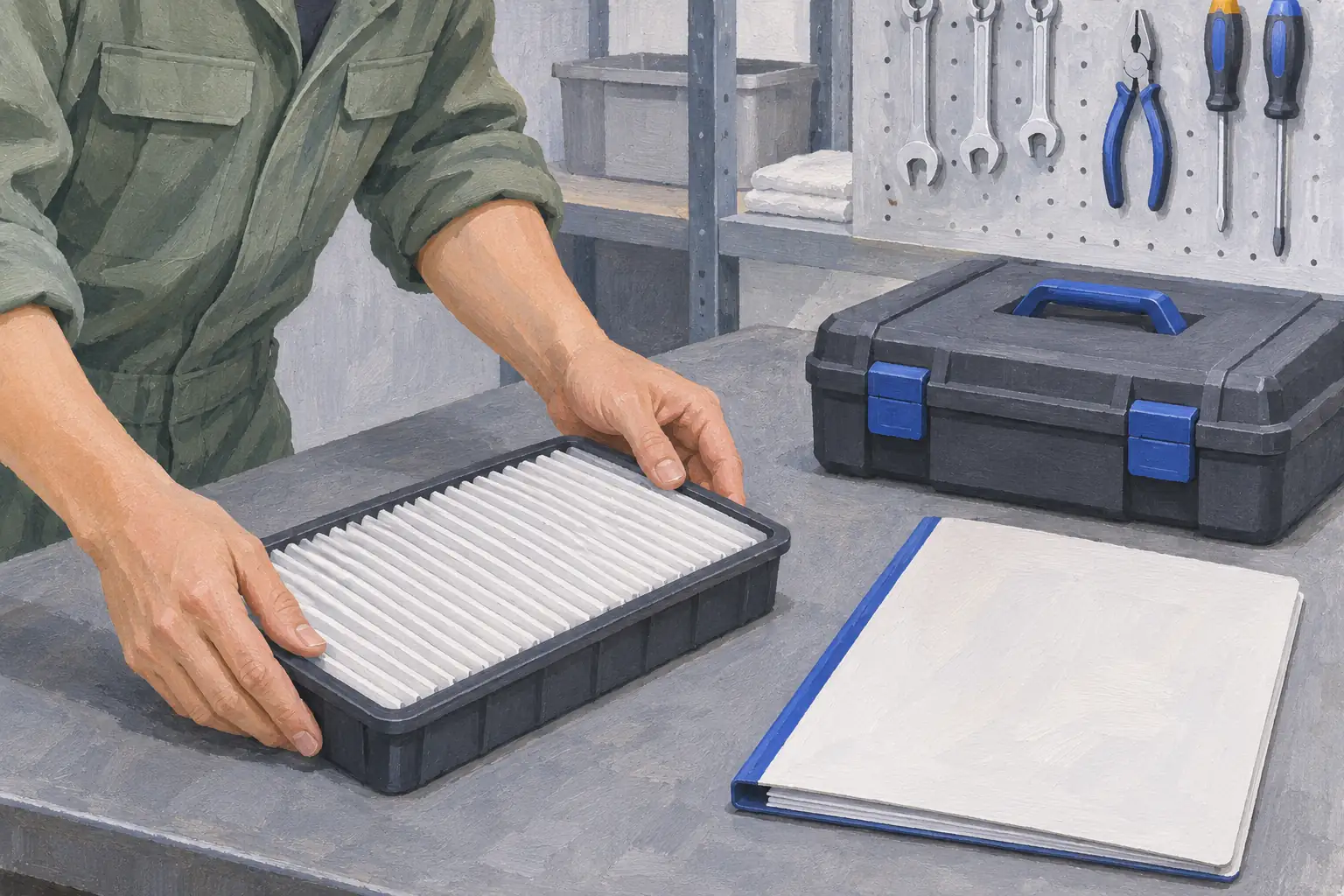
Printable HVAC call intake checklist
Adapt this checklist to your operation. Leave unknown answers blank; your team confirms acceptance.
- Safety: gas smell, CO alarm, smoke or burning smell. Any of these means leave the building and call 911 or the gas company first.
- Problem: no heat, no cooling, not keeping up, leaking water, noise, thermostat, maintenance, or a new system quote. Record the caller's own words.
- System: furnace, heat pump, boiler, central air, ductless, or unknown. Brand and rough age if the caller knows.
- Already tried: what the caller says they checked, such as the thermostat or a breaker. Record it; do not walk them through more.
- Who is home: infants, older adults or anyone medically vulnerable during extreme heat or cold. Follow your escalation rules.
- Location: full service address and ZIP, plus access notes. Read it back.
- Property: owner, tenant or property manager, and any maintenance plan or warranty the caller mentions. Staff verify it.
- Contact: caller name and best callback number. Read the number back.
- Handoff: emergency or routine, configured on-call transfer attempted or callback needed, and anything still unknown.
Recognize the request
Follow the existing safety instruction before equipment questions.
Record useful context
Record no heat, no cooling or planned work and what was already tried.
Choose the approved route
Apply your shop’s weather and occupant rules without inventing urgency.
Confirm the next step
Verify the callback and let staff confirm the visit.
| Request or option | Capture or test | Decision that stays with your team |
|---|---|---|
| No heat or no cooling | Observed symptoms, weather and occupant context | Shop decides priority |
| Repeated fault | What the caller already tried | Technician diagnoses |
| Maintenance or replacement | Equipment context and requested work | Scheduler or estimator confirms scope |
Many callers will have changed thermostat batteries or flipped a breaker before they call. Writing that down saves the technician a question. Do not add troubleshooting steps of your own: the person answering is collecting facts, not fixing the system.
Weather and who is at home set the urgency
No heat in a mild week and no heat in a freeze are different calls. The same goes for no cooling during a heat wave with an older adult at home. Your shop decides the rules; the intake records the facts that apply them. Write the rules down so they are applied the same way every night.
Close with a clear next step
Tell the caller who will call back and that the call is coming. Do not invent an arrival window, a diagnostic fee or a repair price unless your shop has saved approved prices. A caller who knows what happens next is less likely to keep dialling other companies.
Wenly answers forwarded calls automatically in your business name. Your team receives an email after the call, with configured urgent transfers available under your plan and schedule. Have a technician review this checklist, add your own service area and after-hours rules, and test a no-heat night call and a maintenance request before relying on it.
Continue with hvac call answering workflow, after-hours answering and fallback setup, HVAC answering service buying guide.